Let focus echo back
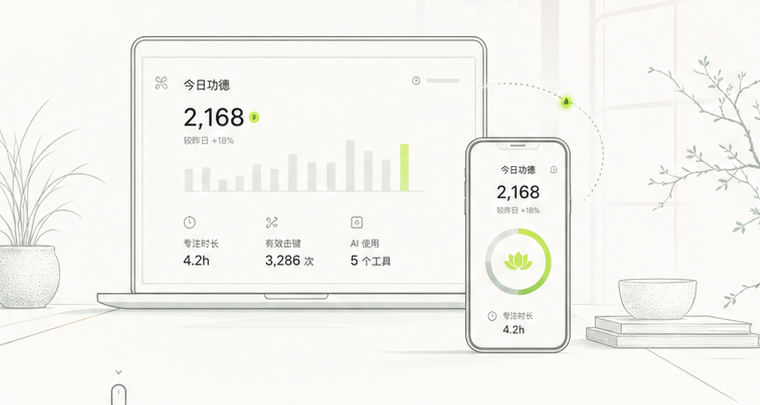
Zenwise syncs aggregate desktop records to your phone, making each day's effort clear without reading your work.
Only aggregate data syncs. Raw keystrokes, clipboard, window titles, and screenshots stay out.
Start on desktop
Zenwise
Sign in on desktop
Once you sign in with the same account, the desktop app appears in your device list.
Step one
Let it run in the background
Zenwise can keep summarizing after the main window closes. You can pause, resume, or quit any time.
Step two
Review on mobile
The iOS app shows today's merit, history, and device online status for the same account.
Step three
Clear recording boundaries
Privacy
Local first
Desktop data is aggregated locally before summary results sync.
No content capture
Raw keystrokes, clipboard, window titles, and screenshots stay out.
Encrypted transfer
Device-to-cloud traffic uses encrypted connections.
Full control
Pause, delete data, or revoke access whenever you need.
Transparent by design
Our privacy practices stay visible and easy to review.
Download Zenwise
Download
Install the desktop app first. Sign in with the same account on mobile to see devices and sync results.